Article: How to Set Up Your Eptusmey Digital Picture Frame?
How to Set Up Your Eptusmey Digital Picture Frame?
Welcome to Eptusmey!
Congratulations on your new Eptusmey Digital Picture Frame. Whether you've purchased it for yourself or received it as a thoughtful gift, you're just a few minutes away from sharing and enjoying your favorite memories with family and friends.
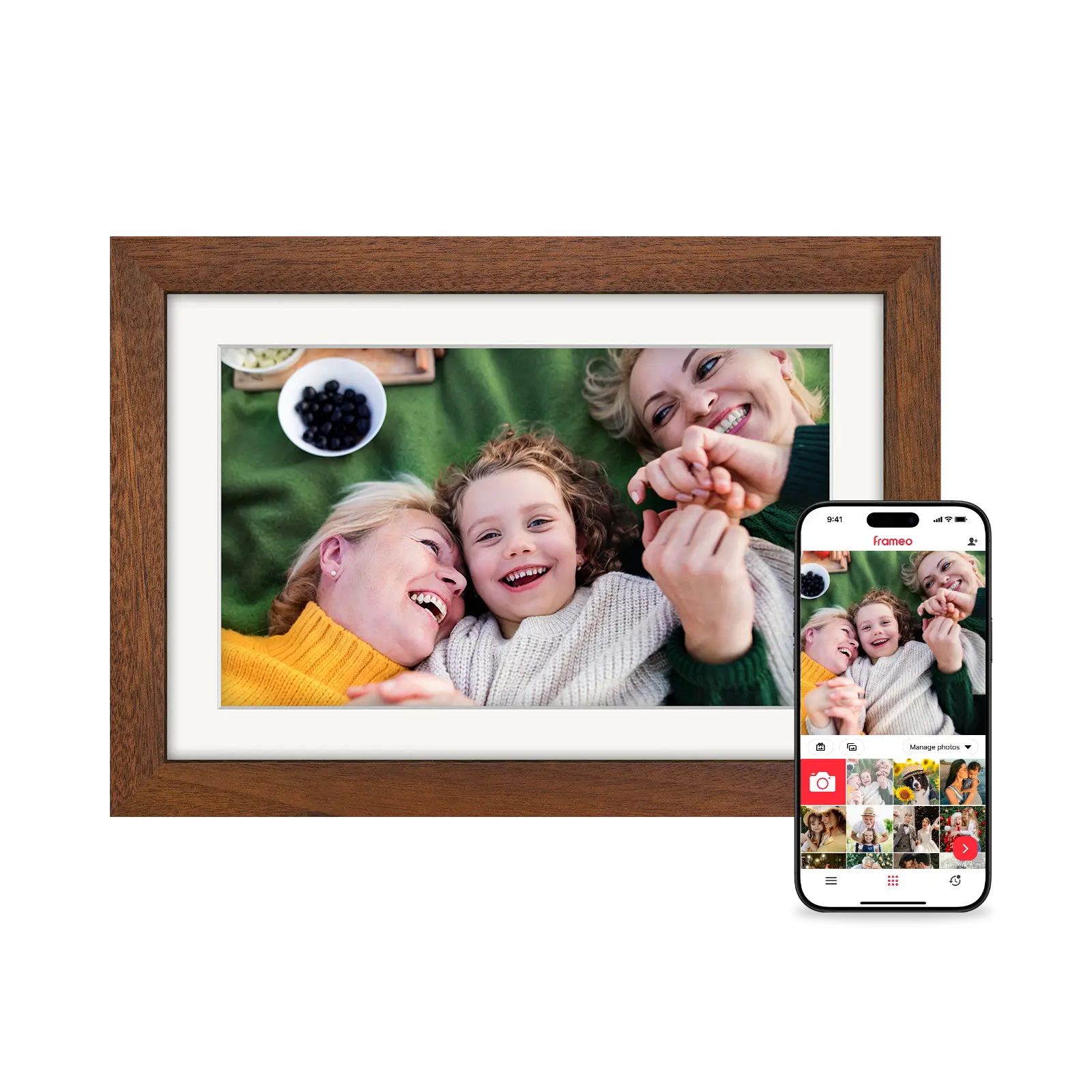
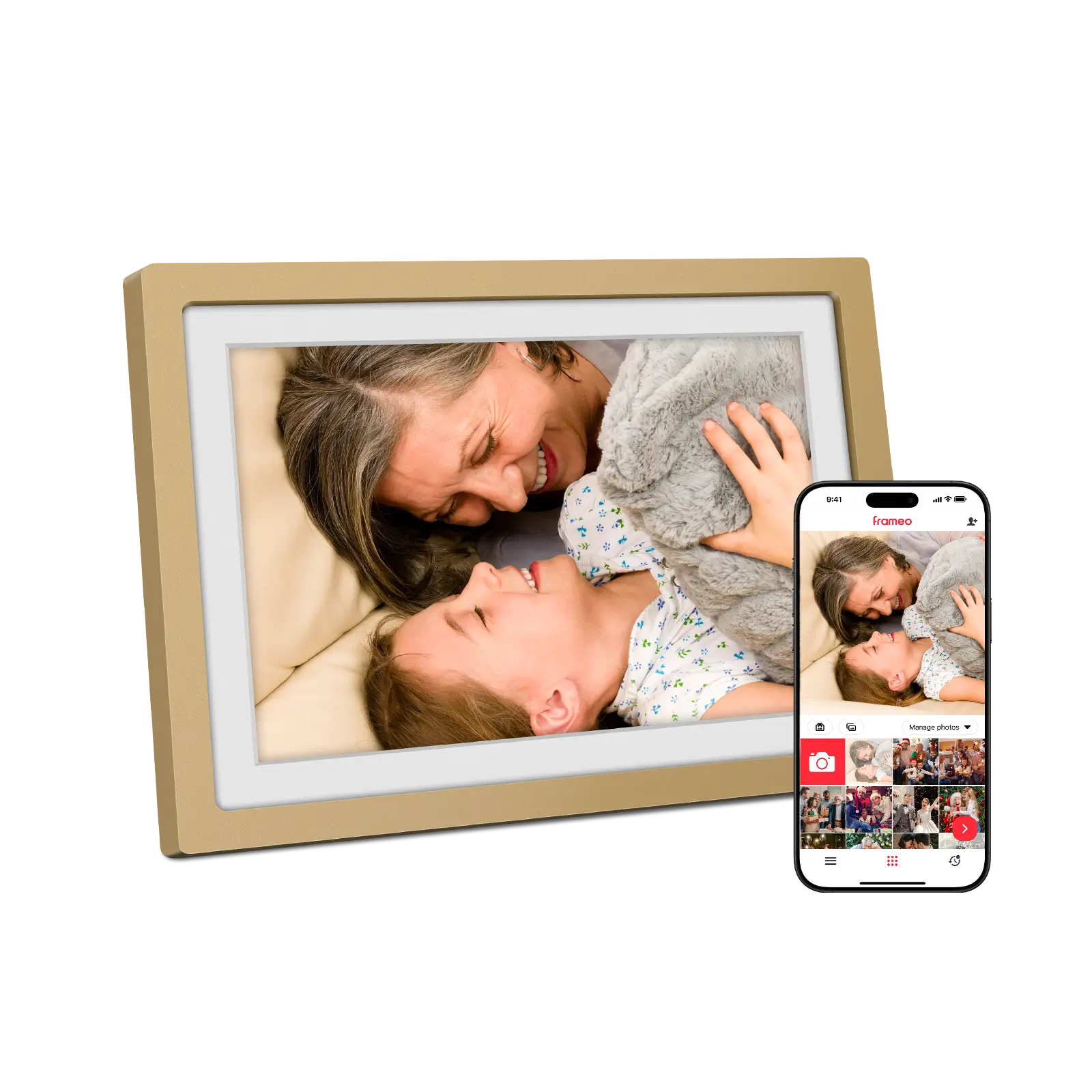
This step-by-step guide will show you how to set up your Eptusmey WiFi digital picture frame, connect it to the Frameo app, and start receiving photos and videos instantly from anywhere in the world.
What You'll Need Before Setup
Before getting started, make sure you have:
-
Your Eptusmey Digital Picture Frame
-
The original power adapter included in the box
-
A smartphone or tablet (iOS or Android)
-
A stable WiFi connection (2.4GHz network recommended)
-
The free Frameo App installed on your mobile device
Step 1: Power On Your Eptusmey Frame
-
Connect the included power adapter to your Eptusmey frame.
-
Plug the adapter into a wall outlet.
-
The frame will automatically turn on.
-
Follow the on-screen instructions to select:
-
Language
-
Time zone
-
WiFi network
-
Basic frame settings
-
Important:
Eptusmey digital photo frames do not contain a rechargeable battery and must remain connected to a power source during use.
Step 2: Connect Your Frame to WiFi
To enable photo sharing, your frame must be connected to the internet.
-
Select your WiFi network from the list.
-
Enter your WiFi password.
-
Wait for the frame to complete the connection.
Troubleshooting Tip:
If your WiFi network does not appear, move the frame closer to your router and refresh the network list.
Step 3: Download the Frameo App
The Eptusmey digital picture frame uses the Frameo app for secure photo and video sharing.
For iPhone & iPad
Download Frameo from the Apple App Store.
For Android Devices
Download Frameo from Google Play Store.
After installation:
-
Open the Frameo app.
-
Create a free account.
-
Sign in if you already have an account.
Step 4: Connect the Frameo App to Your Eptusmey Frame
Connecting your phone to the frame only takes a minute.
On Your Frame:
-
Tap the "Add Friend" icon
 .
.
-
A unique 10-digit connection code will appear.

In the Frameo App:
-
Tap the "Add Friend" icon
. -
Enter the 10-digit code displayed on the frame.
-
Confirm the connection.
Once connected, your smartphone and Eptusmey frame will remain linked for future photo sharing.
Step 5: Send Photos and Videos to Your Frame
Now comes the fun part!
-
Open the Frameo app.
-
Select photos or short videos from your device.
-
Add a personalized caption if desired.
-
Tap "Send."
Your memories will appear on the Eptusmey digital frame within seconds, allowing loved ones to enjoy new moments instantly.
Step 6: Invite Family and Friends to Share Memories
One of the best features of the Eptusmey WiFi digital picture frame is that multiple family members can send photos and videos remotely.
To invite others:
-
On the frame, tap "Add Friend."
-
Generate a new connection code.
-
Share the code with family members and friends.
-
They can enter the code in their Frameo app to connect.
Once connected, everyone can contribute memories directly to the frame from anywhere in the world.
Start Sharing Memories Today
Your Eptusmey Digital Picture Frame is more than just a display—it's a simple way to stay connected with the people who matter most.
With instant WiFi photo sharing, easy Frameo app integration, and support for family-wide sharing, your favorite moments are always just a tap away.
Set up your Eptusmey frame today and turn everyday memories into lasting connections.